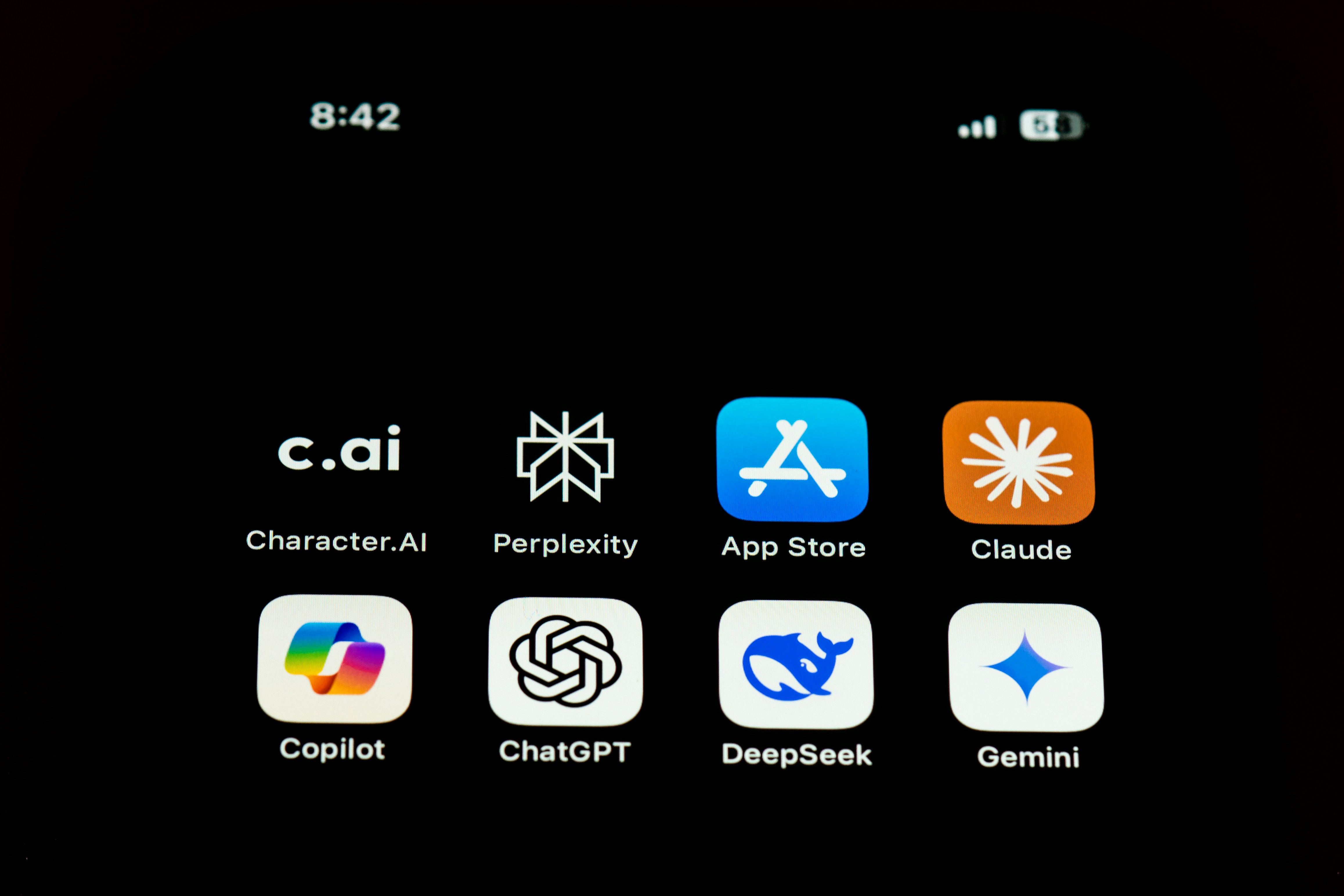
Picture this. You open your bank statement on a random Tuesday morning, coffee in hand, and your stomach drops. There it is again, that quiet little parade of charges you barely notice until they all line up at once: $29.99, $49, $19, $99, $15, month after month, drained from your account before you have even opened your laptop. You are not overspending on anything flashy. You are just paying rent on software you use maybe three times a week. Sound familiar?
You are far from alone. Software has quietly become one of the biggest hidden costs of running a business or building a career in 2026. And here is the twist nobody warned you about: while subscription prices keep climbing, a new generation of AI tools has emerged that can do the same job, sometimes better, for a fraction of the price, or completely free. This guide walks you through exactly which ones, why they work, and how you can start swapping them in this week.
Why Software Subscriptions Have Become a Silent Budget Killer
You are not imagining the price creep. Software spending in the United States has been climbing fast, and small businesses are feeling it the most.
- Worldwide software spending is projected to grow 14.7 percent in 2026, crossing 1.4 trillion dollars, according to Gartner’s latest IT spending forecast, making software the second fastest growing category of technology spend after data center infrastructure.
- Small and midsize businesses are already paying a disproportionate share. Research from Techaisle and Gartner shows SMB IT spending averages 6.9 percent of revenue, compared with just 4.3 percent for large enterprises, what researchers call a technology tax on smaller companies.
- A 2026 survey from the Small Business Expo Research Desk found that 41 percent of small business owners reported rising software costs over the past year, and almost a quarter were not even sure how much they were spending.
- The U.S. Small Business Administration reports that most small businesses launch lean, with 64 percent starting with 10,000 dollars or less in capital, which means every recurring subscription eats directly into a thin runway.
Put simply, your subscription stack is not shrinking on its own. It is growing, quietly, whether you notice it or not. That is exactly why AI tools matter right now, because for the first time you have a real, credible way to push back.
The Shift Is Already Happening, Here Is the Proof
This is not a fringe trend. Real economic data shows Americans and American businesses are moving toward AI tools faster than almost anyone predicted.
- The Federal Reserve’s 2025 Small Business Credit Survey, which polled 6,525 firms across all 50 states, found that nearly half of small businesses are already using AI, with another 15 percent planning to adopt it within 12 months.
- According to the U.S. Census Bureau’s Business Trends and Outlook Survey, the share of firms using AI in any business function jumped to about 20 percent in early 2026, doubling in just a few months as the survey definition broadened beyond core production tasks.
- A national survey from Thryv found small business AI adoption jumped from 39 percent in 2024 to 55 percent in 2025, with 80 percent of small business users saying AI is now essential to reaching new customers.
- The Federal Reserve Bank of Minneapolis reports that AI use in producing goods and services more than tripled in health care and more than doubled in manufacturing between 2023 and 2025.
You do not need to be a data scientist to read what this means. Businesses that once paid for five or six separate software licenses are now consolidating tasks into one or two AI tools, and the ones moving fastest are pulling ahead on cost and speed.
Best AI Writing Tools to Replace Expensive Content Software
If you are still paying for a premium grammar checker, a separate content research tool, and a copywriting subscription, you can likely fold all three into one AI writing assistant.
- ChatGPT and Claude both handle blog drafts, email copy, product descriptions, and editing feedback, replacing tools that used to cost 20 to 50 dollars a month for content generation alone.
- Grammarly’s AI features now cover tone detection, clarity edits, and plagiarism checks in one dashboard, which used to require three separate subscriptions.
- Jasper and Copy.ai focus on marketing copy at scale, useful if you are producing ad variations or email sequences daily.
The math here is simple. A freelance writer or small marketing team paying for a grammar tool, a paraphrasing tool, and a content idea generator could easily spend 70 to 100 dollars a month. A single AI writing assistant subscription, or even a free tier, often covers the same ground.
AI Graphic Design Software That Replaces Pricey Creative Suites
Design software used to mean a steep learning curve and an even steeper monthly bill. That has changed.
- Canva’s AI tools, including Magic Design and background remover, let you produce social posts, presentations, and marketing graphics without touching a traditional design suite.
- Adobe Firefly is now built into many Adobe apps, giving you generative design features without buying every individual Creative Cloud app.
- Microsoft Designer generates layouts and graphics for free if you already use Microsoft 365, which many small businesses already pay for.
If your business used to license a full design suite just so one person could make flyers twice a month, this is where you claw back real money every quarter.
AI Video Editing Tools Worth Switching To
Video production software has historically been one of the priciest categories, often requiring both an editing license and a stock footage subscription.
- Descript lets you edit video by editing text, a feature that alone can replace a traditional timeline editor for podcasters and course creators.
- CapCut’s AI features, including auto captions and background removal, are free for most creators and go head to head with paid caption tools.
- Runway and Pika generate and edit clips using AI, useful for short marketing videos without a full production budget.
AI Coding Assistants Replacing Costly Dev Tools
Developers and small technical teams are seeing some of the clearest savings here.
- GitHub Copilot and Claude Code assist with writing, debugging, and reviewing code, cutting down the need for multiple standalone linting, documentation, and boilerplate generation tools.
- Cursor and Windsurf build AI assistance directly into the coding environment, often replacing a stack of smaller paid plugins.
For a solo developer or small startup, this can mean trimming a 150 dollar a month toolchain down to a single AI coding subscription.
AI Image Generators for Stock Photos and Visual Content
Stock photo subscriptions add up fast, especially for marketing teams that need fresh visuals every week.
- Midjourney and DALL-E generate custom images for campaigns, blog headers, and social posts, often replacing a monthly stock photo license entirely.
- Adobe Firefly and Canva’s AI image tools integrate generation directly into design workflows, saving the step of licensing images from a separate site.
AI Business, Marketing, and Office Tools Worth Your Attention
Beyond creative work, AI is replacing entire categories of back office software.
- AI marketing software like HubSpot’s AI features and Jasper for marketing can replace separate email tools, social scheduling tools, and ad copy generators.
- AI office tools built into Microsoft 365 Copilot and Google Workspace’s Gemini features handle meeting summaries, spreadsheet formulas, and document drafting without a third party add on.
- AI automation software such as Zapier’s AI features and Make connect your existing apps and handle repetitive tasks, often replacing custom scripts or a paid virtual assistant for basic workflows.
- Customer service AI, including chatbots built on tools like Intercom’s Fin or Zendesk AI, can replace a portion of a live support subscription tier by handling common tickets automatically.
This is the category where a lot of freelancers and small business owners feel the biggest relief, because it is often the invisible subscriptions, the scheduling tool, the automation platform, the customer support add on, that quietly total the most every month.
Quick Comparison: Traditional Software vs AI Alternative
Here is a simple side by side look at how traditional subscriptions compare with AI tools that can step in for the same job.
| Task | Traditional Software | AI Alternative | Typical Monthly Savings |
| Content writing and editing | Premium grammar plus copywriting tools | ChatGPT, Claude, or Grammarly AI | $40 to $70 |
| Graphic design | Full creative suite license | Canva AI or Adobe Firefly | $30 to $55 |
| Video editing and captions | Timeline editor plus caption add on | Descript or CapCut | $25 to $50 |
| Coding assistance | Multiple dev plugins | GitHub Copilot or Claude Code | $40 to $80 |
| Stock imagery | Stock photo subscription | Midjourney or DALL-E | $20 to $40 |
| Marketing and scheduling | Separate email and social tools | HubSpot AI or Jasper | $50 to $100 |
| Customer support | Full tier live chat plan | AI chatbot add on | $30 to $60 |
These figures are general estimates based on common small business pricing tiers, not a guarantee for every account, but they reflect the kind of range small business owners commonly report when they consolidate tools.
How to Actually Make the Switch Without Disrupting Your Workflow
Swapping tools sounds great in theory, but you do not want to blow up your workflow overnight. Here is a practical path.
- Start with an audit. List every software subscription you currently pay for and how often you actually log in. You will likely find at least one or two tools you barely touch.
- Pick one category first. Do not try to replace your entire stack in a single week. Start with writing or design, since those have the most mature AI alternatives.
- Run both tools in parallel for two to four weeks before canceling anything, so you can confirm the AI tool actually covers your needs.
- Check data privacy settings before uploading sensitive business documents to any new AI platform, and review the tool’s data retention policy.
- Track the savings. Even a modest 60 to 100 dollars a month adds up to over 1,000 dollars a year, money that can go back into growth, payroll, or simply your own pocket.
The U.S. Census Bureau’s Nonemployer Statistics show the average solo business brings in somewhere between 44,000 and 53,000 dollars a year in revenue. When your revenue is that tight, trimming a few hundred dollars a month in software costs is not a minor tweak, it is a meaningful improvement to your bottom line.
Who Benefits Most From Switching to AI Tools
Not everyone needs to rip out their entire software stack, but a few groups stand to gain the most, right now.
- Freelancers juggling writing, design, and client communication tools who are paying for each one separately.
- Small business owners running lean teams where one person wears five hats and cannot justify five different licenses.
- Entrepreneurs launching a new venture who need professional looking output without a large starting budget.
- Remote teams that rely on cloud software and want to consolidate their toolset into fewer logins and fewer invoices.
If any of that sounds like your situation, this is genuinely one of the more painless cost cuts available to you this year, since it does not require reducing quality, only changing where the work gets done.
A Quick Word of Caution Before You Cancel Everything
AI tools are powerful, but they are not a perfect one to one replacement in every case. Highly specialized work, such as regulated financial reporting, certain legal documents, or complex enterprise level data security needs, may still require dedicated, industry specific software. Treat AI tools as a way to cut unnecessary overlap, not as a reason to abandon every piece of software your business truly depends on. A thoughtful audit beats a hasty cancellation every time.
Frequently Asked Questions
Can AI tools really replace all my software subscriptions?
Not all of them, but many of the most common ones, including writing, design, video editing, and basic automation tools, can be replaced or significantly reduced. Highly specialized software for accounting, legal compliance, or enterprise data management may still be necessary.
Are AI tools actually cheaper than traditional software?
In most cases, yes. Many AI tools offer free tiers or low cost monthly plans that cover tasks previously requiring two or three separate paid subscriptions, which is why small businesses report meaningful monthly savings after switching.
Is it safe to use AI tools for business data?
Most reputable AI platforms offer business tier plans with stronger data privacy protections than their free consumer versions. Always review a tool’s data retention and training policy before uploading sensitive business information.
Which AI tool should a small business start with first?
Start with whichever category costs you the most right now. For many small businesses, that is content creation or design, since those have the most mature and affordable AI alternatives available today.
Do freelancers actually save money switching to AI tools?
Yes. Since freelancers often juggle several small subscriptions across writing, design, and client management, consolidating even two or three of those into one AI tool can save well over 500 dollars a year.
Will AI tools keep getting cheaper?
Competition among AI providers is intense, and free tiers have expanded steadily. While prices can shift as the market matures, current trends favor more accessible pricing, not less, for small business and freelance users.
The Bottom Line
You do not have to accept a bloated software bill as the cost of doing business anymore. The tools exist right now, many of them free or nearly free, to handle writing, design, video, coding, marketing, and customer service work that used to require a stack of separate subscriptions. Start small, audit what you actually use, test one AI tool at a time, and let the savings build. A year from now, that quiet dread you feel opening your bank statement could be replaced with something far better, a little extra breathing room in your budget and a business that runs just as well, if not better, for a lot less.
Sources and References
1. Gartner, Business Software Spend Forecast 2026, https://www.gartner.com/en/newsroom/press-releases
2. Federal Reserve Bank of San Francisco, Small Business and AI: Understanding Adoption and Building Support Systems, https://www.frbsf.org/research-and-insights/publications/community-development-articles/2026/03/ai-and-small-businesses/
3. Board of Governors of the Federal Reserve System, Monitoring AI Adoption in the U.S. Economy, https://www.federalreserve.gov/econres/notes/feds-notes/monitoring-ai-adoption-in-the-u-s-economy-accessible-20260403.htm
4. Federal Reserve Bank of Minneapolis, AI Adoption in Business Grows Steadily but Unevenly, https://www.minneapolisfed.org/article/2026/ai-adoption-in-business-grows-steadily-but-unevenly
5. U.S. Small Business Administration, Office of Advocacy, Small Business Statistics and Data, https://advocacy.sba.gov/
6. U.S. Census Bureau, Nonemployer Statistics and Business Trends and Outlook Survey, https://www.census.gov/programs-surveys/btos.html
7. Techaisle and Gartner, SMB IT Spending Statistics, cited via Medha Cloud, https://medhacloud.com/blog/smb-it-spending-statistics-2026
8. Small Business Expo Research Desk, Small Business Software Costs Survey, https://www.thesmallbusinessexpo.com/blog/small-business-software-costs/
9. Thryv, AI and Small Business Survey 2025, https://www.businesswire.com/news/home/20250717239434/en/