The right tools do not make you productive — discipline and good habits do. But the wrong tools create friction that erodes both. These are the categories that matter most for home working, and the specific tools that consistently show up in the setups of people who sustain high output over the long term.
Communication and Collaboration
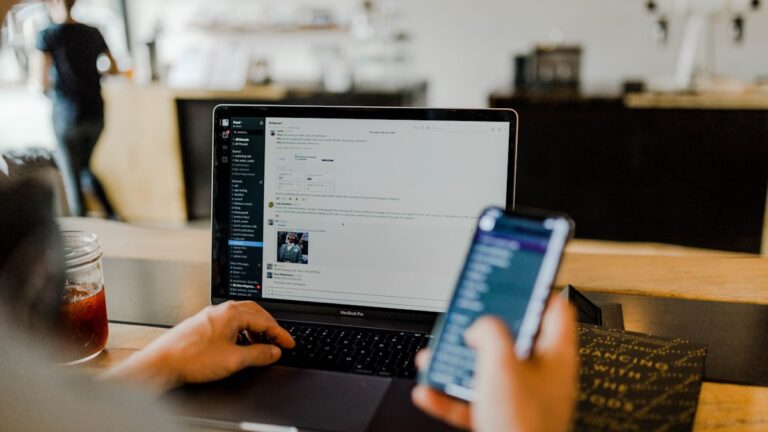
Slack remains the standard for team messaging. The key to using it well is ruthless notification management: most channels on mute, only direct mentions alerting you, and designated times to check it rather than reacting to every message. Used reactively, it destroys focus; used intentionally, it keeps teams aligned without meetings.
Loom is the best tool for replacing meetings that did not need to be meetings. Record a short video walking through feedback, an update, or a complex explanation. Recipients watch it when convenient, respond asynchronously, and no one spends 45 minutes in a calendar block that could have been a 4-minute video.
Project and Task Management
Notion is the most versatile knowledge management tool available. Use it as a project tracker, personal wiki, meeting notes repository, and daily planner. Its flexibility means it takes time to set up well, but a well-configured Notion workspace dramatically reduces the mental load of remembering what you need to do and why.
Todoist is the best pure task manager for personal productivity. Natural language input (“review report Friday at 9am”), recurring tasks, and a clean interface make it fast to capture and process tasks without the overhead of a full project management system.
Focus and Time Management
Toggl Track — time tracking that requires zero thought to use. One click to start a timer, one click to stop. After two weeks of tracking, most people are genuinely surprised by how they actually spend their time versus how they think they spend it. This awareness alone typically improves productivity.
Freedom or Cold Turkey — website and app blockers that eliminate the ability to visit distracting sites during focus blocks. The best version of these tools lets you schedule blocks in advance so willpower is never involved.
Hardware That Makes a Bigger Difference Than Most Software
- External monitor — a second screen is the single highest-ROI hardware upgrade for most remote workers. Dual monitors measurably improve output on complex tasks.
- Quality webcam — the built-in laptop camera communicates low professionalism in video calls. A Logitech C920 or C925e costs $70–$80 and looks dramatically better.
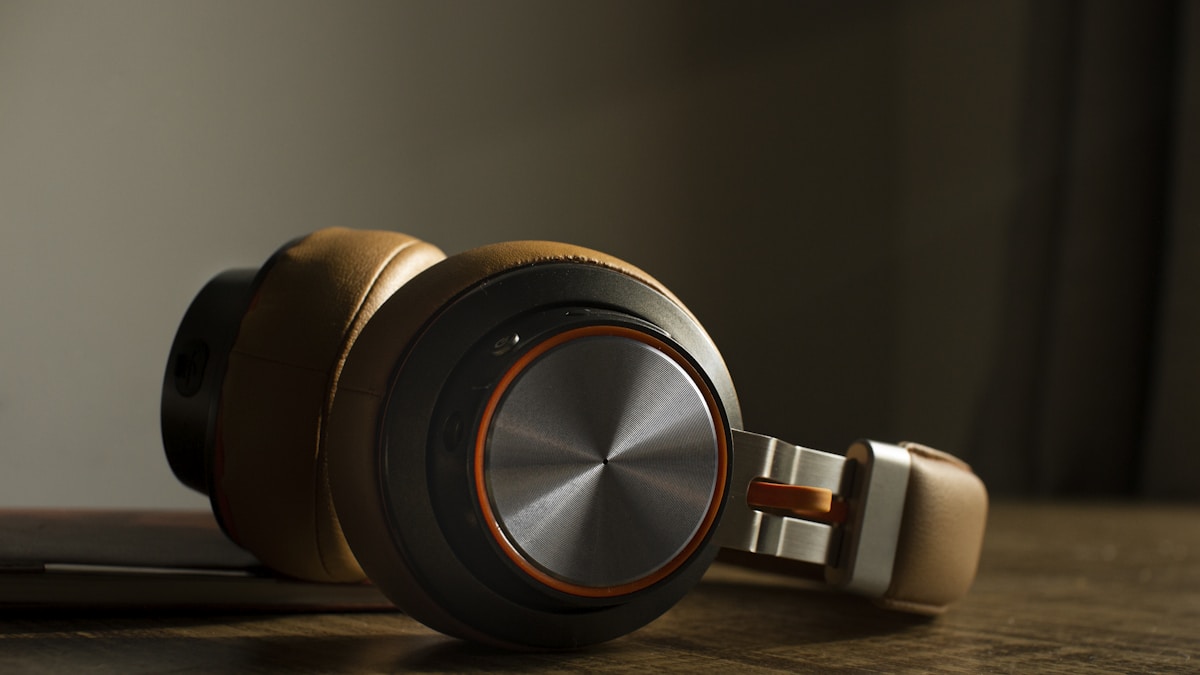
- Noise-cancelling headset — essential for calls when you do not work alone. The Jabra Evolve series or Sony WH-1000XM5 are reliable choices.
- Ergonomic chair — lower back pain costs you productive hours. A quality chair is a business expense, not a luxury.
The Most Important Tool: Your Shutdown Ritual
Working from home makes it easy to never stop working. A daily shutdown ritual — reviewing tomorrow’s tasks, closing all work apps, physically leaving your workspace — creates a psychological boundary between work time and home time. Without it, remote work bleeds into every hour of the day and produces burnout that no software can fix. Write “SHUTDOWN COMPLETE” in a notebook or say it aloud at the end of each workday. It sounds ridiculous. It works.
Start with one category: fix your communication tools, or your task management, or your hardware. One solid improvement implemented fully beats five half-installed systems.